


How to Use AI Video Editing in Event Video Production (Without Looking Fake) – 2026 Guide
Google at Slush 2025 – Helsinki (Portfolio)
First: what “AI video editing” actually means in 2026
For most brand and event workflows, AI doesn’t mean “press a button and get a finished film”. It means using tools that reduce friction in post:
- Text-based editing (rough cut from transcript)
- Speech cleanup and audio enhancement
- Auto-captioning and multi-language caption workflows
- Searchable footage (find clips by describing what’s in them)
- Small continuity helpers (micro-extends, smart reframes, fast selects)
Adobe, for example, highlights AI features in Premiere Pro like text-based editing, speech enhancement, scene edit detection, and caption tools – all practical and useful for real editing timelines, especially under event deadlines.
Outbound reference:
Adobe Premiere Pro – AI video editing
Where AI helps most in event video production (without looking fake)
1) Speeding up your rough cut (without losing taste)
Events produce hours of footage. AI-assisted transcript workflows can help you build a rough narrative fast: select the strongest quotes, remove repetition, and build a clean spine for the edit.
How to keep it human: Use AI to get to a rough structure – then edit with intention. Your pacing, your music choices, your emotional beats, and your story decisions still matter more than the tool.
2) Cleaner audio for panels, keynotes, and podcast corners
If your event includes panel recordings, keynote talks, or podcast-style interviews, audio is the difference between “watchable” and “not usable”. AI-powered speech enhancement can help improve clarity, reduce distractions, and save time – especially when you’re moving fast across multiple rooms.
Rule: AI can rescue, but it shouldn’t replace good mic technique. Always capture clean source audio first (venue feed + backup recording).
3) Captions and translations at scale (a 2026 must)
In 2026, most event video content is watched on mobile and often without sound. Captions are no longer optional. AI tools can speed up captions, styling, and translation workflows – but you still need a human pass for names, brand terms, and technical language.
4) Finding the right moments faster
Newer AI search features can help teams locate “that exact shot” quickly – the right person, the right scene, the right angle – without manually scrubbing through everything. That means less time searching, more time crafting.
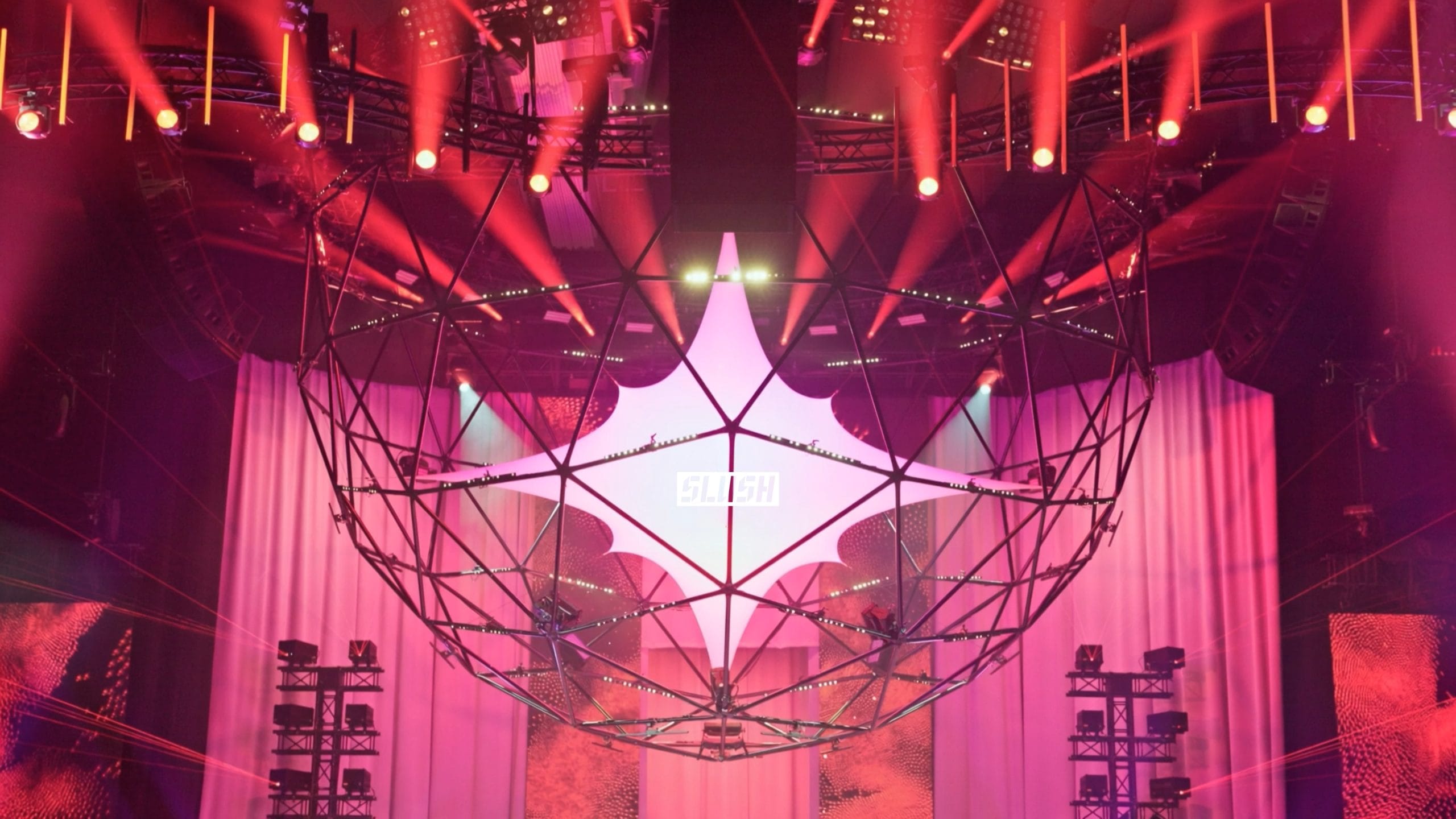
Slush x Google 2025 Event Stills
The “no one can tell it’s AI” rules
If your goal is premium event content that feels real, these rules keep you safe:
- Keep AI invisible. If the transition becomes the star, you’ve lost the story.
- Use fewer transitions, not more. Clean cuts and motivated movement still win.
- Match your colour and exposure. AI-assisted edits fail when the grade jumps between scenes.
- Never invent reality. Avoid generated “moments” that didn’t happen at the event.
- Respect faces and identity. Don’t use “face-changing” tools for brand content. It’s not worth the risk.
- Protect the brand voice. Corporate doesn’t mean boring, but it does mean consistent.
One practical example: in event edits, AI can help create smoother flow (micro-extends, better timing, cleaner dialogue), but the final film should still feel like it was crafted by a real editor with taste – not a template.
A practical 2026 workflow for AI-assisted event video
Step 1: Plan your “content layers” before filming
AI helps most when the production already has a clear plan. For most brands, a strong event package includes:
- Highlight film (15-60 seconds, social-first)
- Speaker clips (vertical + LinkedIn-friendly)
- Panel recordings (full-length, clean audio)
- Podcast recordings (short leadership conversations)
- Event photography (PR, internal, partner-ready)
Internal links (5 Alive Media):
Event videography (Copenhagen) |
Event videography (Cyprus) |
Event photography (Cyprus)
Step 2: Capture for continuity
AI can smooth, but it can’t fix missing coverage. For events, continuity comes from filming with structure:
- Wide + close angles for stage moments
- Consistent audio plan (venue feed + backup)
- Plenty of “bridge” shots (hands, signage, crowd movement)
- Short interviews with clear prompts (so the transcript is usable)
Step 3: Use AI to accelerate the boring parts
This is where AI shines: transcripts, selects, captions, searchable footage, audio cleanup, and quick reframes for vertical delivery. These are the tasks that eat time but don’t necessarily improve the creative outcome.
Step 4: Human finishing pass (non-negotiable)
After the AI-assisted steps, your editor should still do a human finishing pass:
- Pacing and rhythm (where the film breathes)
- Music selection and timing
- Colour continuity and skin tones
- Brand details and approvals
- Final export formats (9:16, 1:1, 16:9)
How we approach it (Google at Slush 2025)
At Slush, the pace is intense: high-energy environments, fast transitions between spaces, and content that needs
to feel modern without being “over-edited”. On projects like Google at Slush 2025, AI-assisted editing is most useful when it stays subtle – supporting flow, helping us move faster in post, and keeping the edit clean under time pressure.
The principle is simple: AI should reduce friction, not replace taste.
See the project:
Google at Slush 2025 – Helsinki
Brand safety and trust (what not to do)
In 2026, brands care about speed, but they care even more about trust. Be cautious with anything that could be perceived as deceptive:
- Don’t generate scenes that didn’t happen
- Don’t “AI-replace” faces or identities
- Don’t over-smooth motion until it looks synthetic
- Don’t rely on AI captions without human review
If your content is meant for enterprise audiences, the safest path is AI-assisted editing that improves workflow and polish, while keeping the event reality intact.
Want to see a real AI-assisted setup? Here’s a compact Kling 2.6 JSON example inspired by our Google at Slush 2025 workflow (sanitized).
Download the full JSON here:
kling-2.6-slush-seamless-transitions.json
View JSON snippet (Kling 2.6)
{
  "model": "kling-2.6",
  "duration": 5,
  "width": 1920,
  "height": 1080,
  "prompt": "Cinematic event highlight, modern tech conference atmosphere, natural motion, clean lighting, subtle seamless transitions, documentary realism, premium brand tone, no exaggerated effects, realistic faces, authentic crowd energy, crisp audio ambience.",
  "guidances": {
    "start_frame": {
      "type": "UPLOADED",
      "id": "REPLACE_WITH_YOUR_START_FRAME_ID"
    }
  }
}
Note: parameter names vary slightly depending on the provider you use to access Kling 2.6 (platform/API). Keep the structure, swap the fields to match your endpoint.
final thoughts
AI video editing in 2026 can be a real advantage for event video production – but only if it stays invisible. Use it to move faster, keep quality consistent, and scale your deliverables. Keep the story human, the pacing intentional, and the final film grounded in what actually happened.
If you’re planning an event in Copenhagen, Cyprus or London, or beyond, and want content that feels premium (not gimmicky), 5 ALIVE MEDIA supports full-scale production – event videography, panel recordings, podcast capture, photography, and social-first edits with a modern AI-assisted workflow.
Leave a Reply